Star chart guide
What Time Should You Use for a Personalized Star Chart?
Choose a defensible local time for a wedding, birth, proposal, or other personalized star chart and avoid common midnight and time-zone mistakes.
By RobinMaker Editorial · Published 2026-08-21 · Updated 2026-08-21 · 6 minute read
The sky changes continuously, so time matters. But a personalized print is also a story, and the best input is usually the local time that most clearly represents the event—not an invented precision.
Use documented records when available, understand what the chosen moment means, and keep special care around midnight and daylight-saving changes.
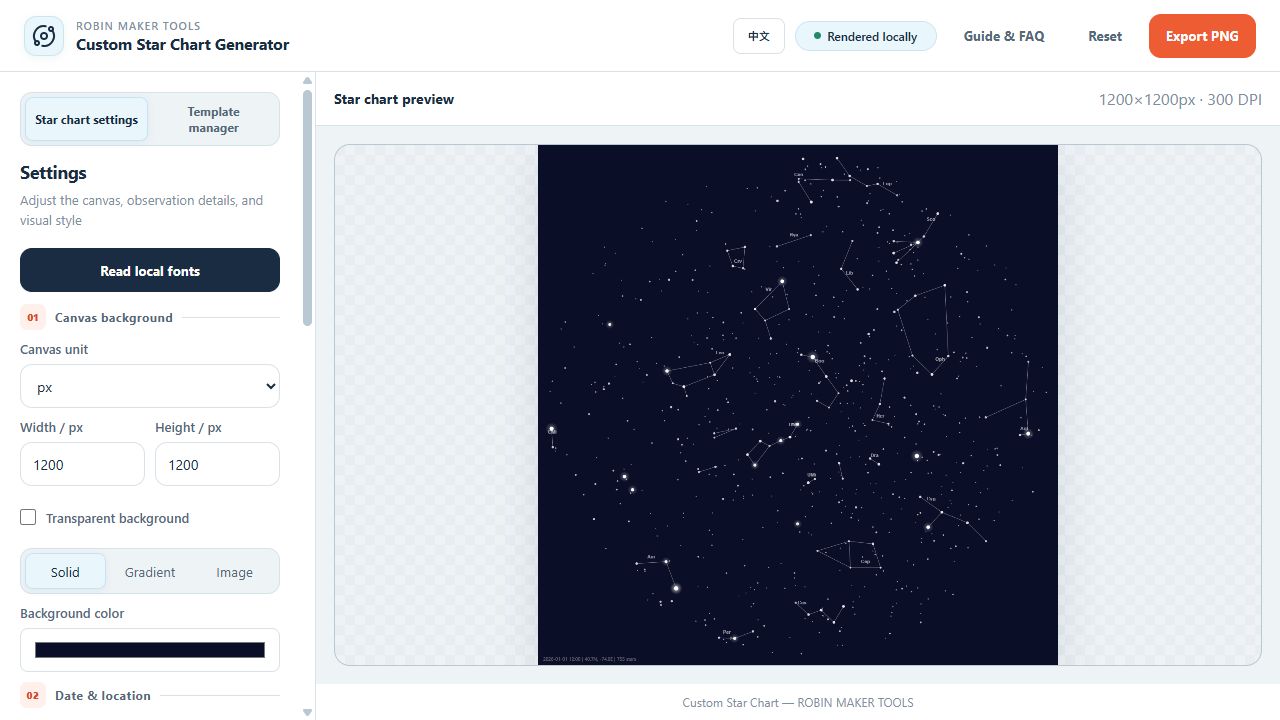
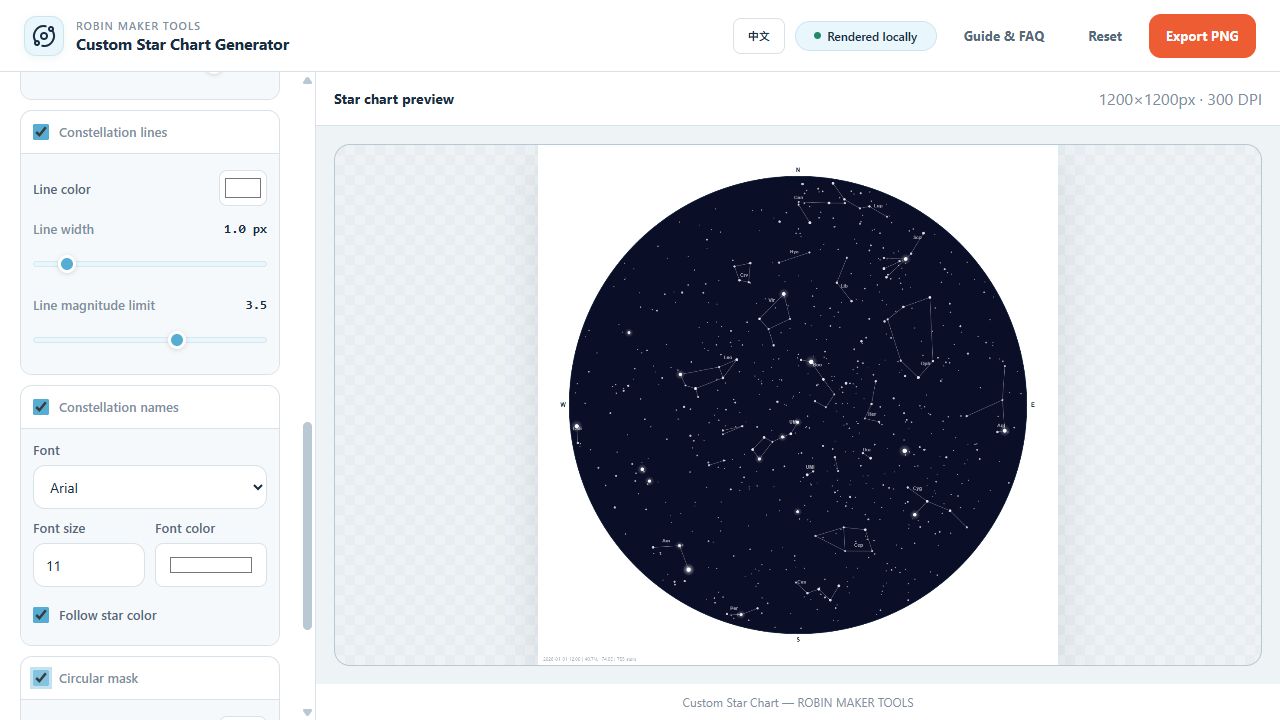
Test a date and time in Star Chart
Choose the event-defining moment
For a birth chart, use the recorded birth time. For a wedding, choose a moment that matches the story: ceremony start, vows, or another documented milestone. For a proposal or first meeting, use the best-known local time and keep the wording broader if only an approximate hour is known.
Avoid selecting midnight merely because a form requires a value. Midnight may place the sky several hours away from the actual evening event and can also change the calendar date.
Keep time zone and location together
Enter the clock time as it was experienced at the event location. Record the city or venue and its coordinates with the source time. If the location observed daylight saving time on that date, confirm the historical local clock convention rather than applying today's offset automatically.
When an event occurs close to midnight, verify both the date and time with the source record. A ten-minute mistake across midnight changes the displayed date even though the real elapsed time is small.
- Write the event time exactly as recorded locally.
- Confirm the venue's latitude and longitude.
- Check whether the location observed daylight saving time on that date.
- Compare nearby times in the preview if the record is approximate.
How to handle an unknown time
If no reliable time exists, do not imply that the chart represents an exact minute. Choose a meaningful convention—such as the known ceremony hour or a representative evening time—and document it in your project notes. You can also design the final caption around the date and place rather than printing an uncertain time.
The goal is a meaningful keepsake with transparent choices. Honest approximation is better than false precision.
Work through a realistic production example
A useful personalized star chart time workflow should begin with a real deliverable, not an isolated settings panel. Consider a birth chart where the hospital record gives a local time, compared with an anniversary chart whose meaningful moment is less precise. This example gives every decision a reason: the canvas has a destination, the details have a minimum useful size, and the exported file has to survive a real production step. It is especially relevant for gift makers who know an important date but need to decide which exact time belongs on the chart. Before opening the tool, write down who will use the result, where it will appear, and whether the file will be printed at home, sent to a production service, or placed inside another design. Those answers prevent attractive experiments from quietly becoming unusable output.
Translate the brief into measurable constraints. For this project, pay attention to documented local time, event location, time zone, daylight-saving status, and acceptable uncertainty. Record those values before styling and keep them beside the browser while you work. If a printer, plotter, frame, invitation template, or packaging dieline is involved, use its final dimensions rather than estimating from the on-screen preview. The preview is a composition aid; it is not a ruler. When two requirements conflict, protect the final physical use first. A slightly simpler design that prints clearly is more successful than a detailed design whose text, paths, or motifs disappear at production size.
Create one controlled first version. Keep the default composition where it is sensible, change only the values required by the brief, and export a proof before exploring decorative variations. This produces a reference file that can answer practical questions later. The most common mistake is entering midnight as a silent default and presenting the resulting sky as an exact historical record. Avoid it by applying one clear rule: use the most meaningful documented local time and disclose uncertainty instead of inventing precision. Once the reference version works, duplicate the settings or save a browser-local template, then explore color, typography, spacing, or background alternatives without losing the proven baseline.
- Write down the finished size, destination, production method, and required file format.
- Confirm documented local time, event location, time zone, daylight-saving status, and acceptable uncertainty before changing decorative settings.
- Build a restrained reference version with the fewest necessary changes.
- Export an early proof and inspect it outside the editor at the intended size.
- Check whether the chosen time is explainable, consistent with the location, and labeled honestly when it is approximate.
- Save the verified settings before creating visual alternatives.
Run a final SEO-friendly quality check
The final check should prove both the file and the explanation around it. First inspect whether the chosen time is explainable, consistent with the location, and labeled honestly when it is approximate. Open the exported result in a separate viewer, because an editor can hide clipping, scaling, transparency, or color problems with its own preview behavior. View the whole composition, then inspect a crop at actual output size. If the file is intended for print, make a small test on the closest available paper or ask the production service for a soft proof. If it is intended for a plotter, test a reduced path sample before committing time and material to the complete drawing.
Next verify that another person could reproduce the result from your notes. Record the important settings, the source dimensions, the exported dimensions, and any production assumptions. Use descriptive filenames rather than replacing the only working export. Keep the original source file separate from the generated output, and do not place uploaded images or temporary browser URLs inside saved templates. RobinMaker processes creative files locally in the browser, but your own project organization still determines whether a result can be revised safely several weeks later.
Finally, review the result from the user's point of view rather than the editor's. Can the important information be understood immediately? Does the composition still work when printed, framed, folded, cut, or drawn? Are labels and instructions honest about approximations? Search-focused articles are strongest when the workflow produces evidence, so keep one screenshot of the settings and one screenshot of the finished preview. Those images make the process easier to follow and show that the recommendations come from the actual tool rather than generic design advice.
- The exported dimensions and aspect ratio match the production brief.
- Important text, lines, and motifs remain readable at final physical size.
- No unintended clipping, transparent gaps, stray paths, or edge artifacts remain.
- The file opens correctly in a second viewer and retains the expected background.
- The working settings and production assumptions are recorded for revision.
- The result follows the rule: use the most meaningful documented local time and disclose uncertainty instead of inventing precision.
Frequently asked questions
Can I use 12:00 when I do not know the time?
You can use a documented convention, but do not present it as exact. Noon and midnight create different skies, so label or omit the uncertain time in the final design.
Should I enter UTC or local time?
Use the local clock time associated with the event and keep the location coordinates accurate.
Does a few minutes make a visible difference?
Often the overall pattern changes subtly, but precision still matters for an accurate record—especially near midnight or for time-sensitive labeling.